
Livesync Desktop
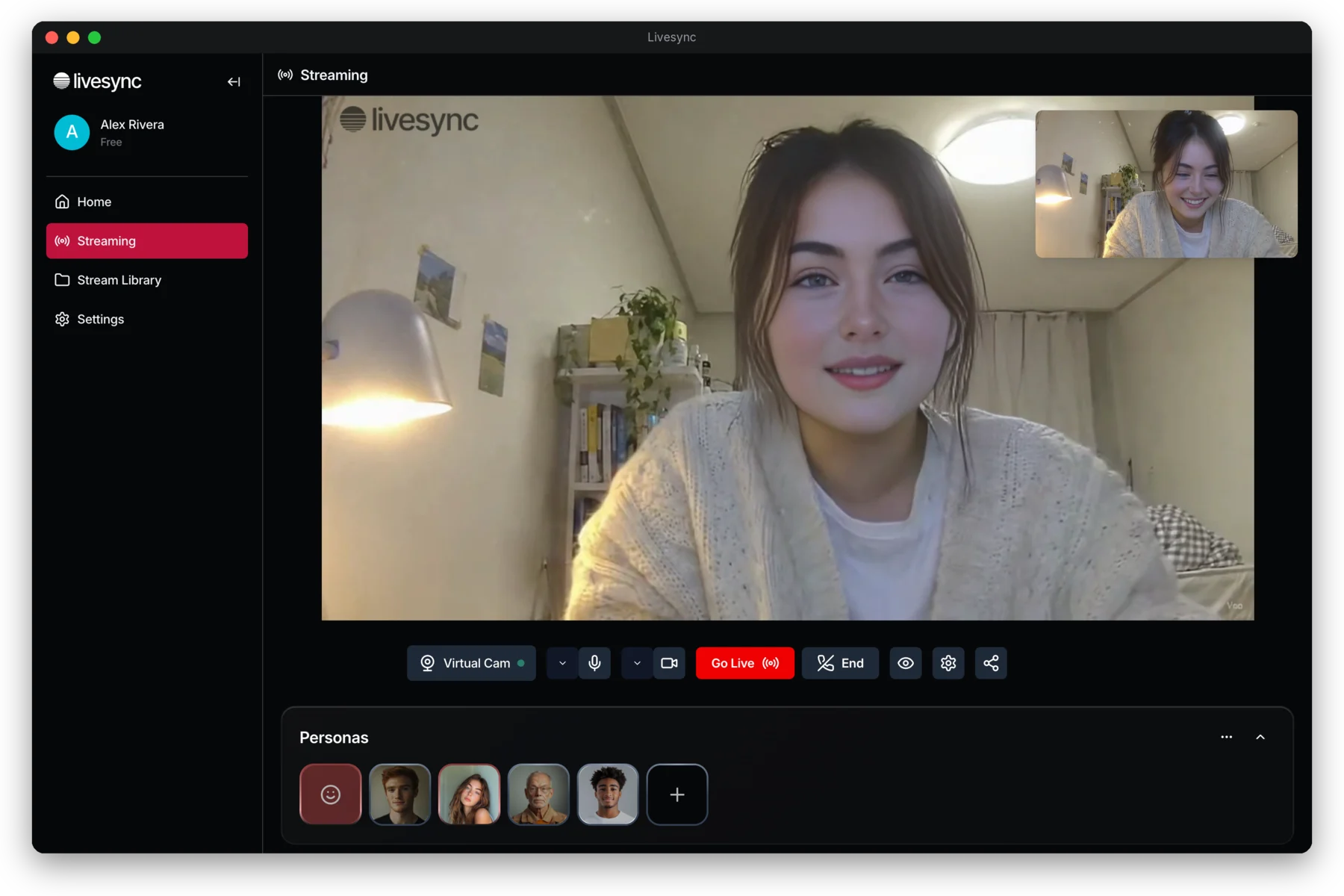
Your persona as a camera in Zoom, Google Meet, OBS and any other app. Start a session, pick Livesync Camera, and you're live.
Version 1.0.2 · macOS 13 or later (Apple silicon and Intel) · Windows 10 and 11 (64-bit)
Install on Mac
- 1Open the downloaded Livesync.dmg and drag Livesync into Applications.
- 2Open Livesync from Applications and sign in.
- 3The first time, macOS asks you to allow the camera: System Settings → General → Login Items & Extensions → Camera Extensions → turn on Livesync.
Install on Windows
- 1Run Livesync-Setup.exe.
- 2If Windows shows “Windows protected your PC”, click More info, then Run anyway.
- 3Click Yes when Windows asks for permission, then open Livesync and sign in.
New to it? Read the Livesync Desktop guide. Livesync updates itself when a new version is out.